Used by Warriors prepping for React interviews
React Debugging Practice
Kata
Fix broken React components in a live sandbox. Earn Ki.
Drills
Drill the concepts behind every bug. Any device.
VOICES FROM theDOJO
The approach to learning bug fixing is excellent. Simple, elegant, and it just works.
Found it during React interview prep. Helped me recognise patterns and come up with solutions faster.
Increased my skills drastically. Instead of theory, it really hit my soul with logic.
The bugs feel like real mistakes you've probably already made. That's what makes it click.
A great way to keep practising, especially when you don't have an active project.
The approach to learning bug fixing is excellent. Simple, elegant, and it just works.
Found it during React interview prep. Helped me recognise patterns and come up with solutions faster.
Increased my skills drastically. Instead of theory, it really hit my soul with logic.
The bugs feel like real mistakes you've probably already made. That's what makes it click.
A great way to keep practising, especially when you don't have an active project.
Inside the dojo


Read the symptoms
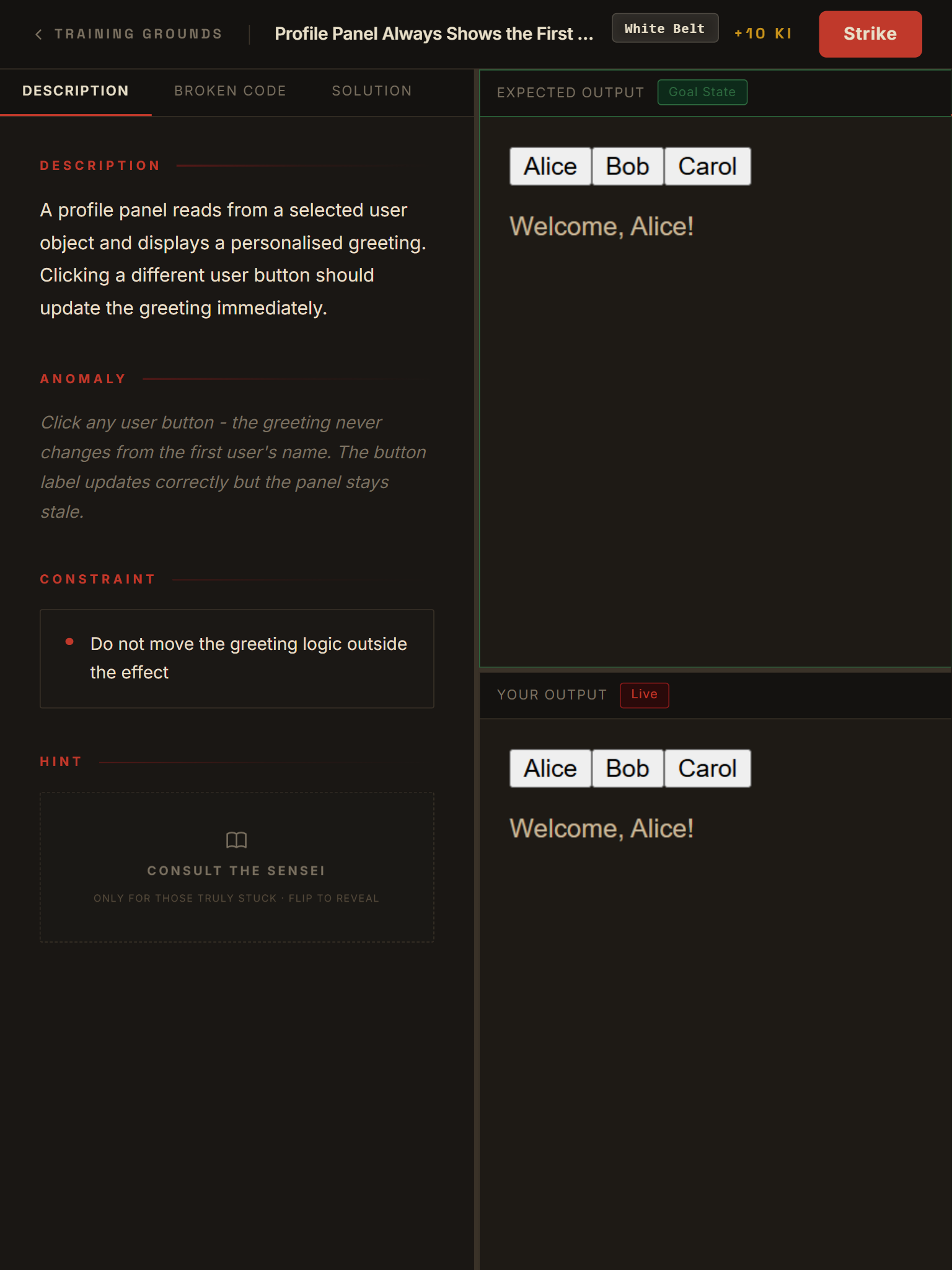
Every kata tells you what's broken.
Each kata describes exactly what the user sees when the component is broken - not what to fix. A symptom tells you the visible failure. A hint nudges you toward the relevant React concept without giving away the answer. Constraints define what a valid fix must and must not do. You learn to read broken behaviour and reason about useEffect, useState, and hook interactions the way you would in a real codebase - not by copying a solution.

Study the principle
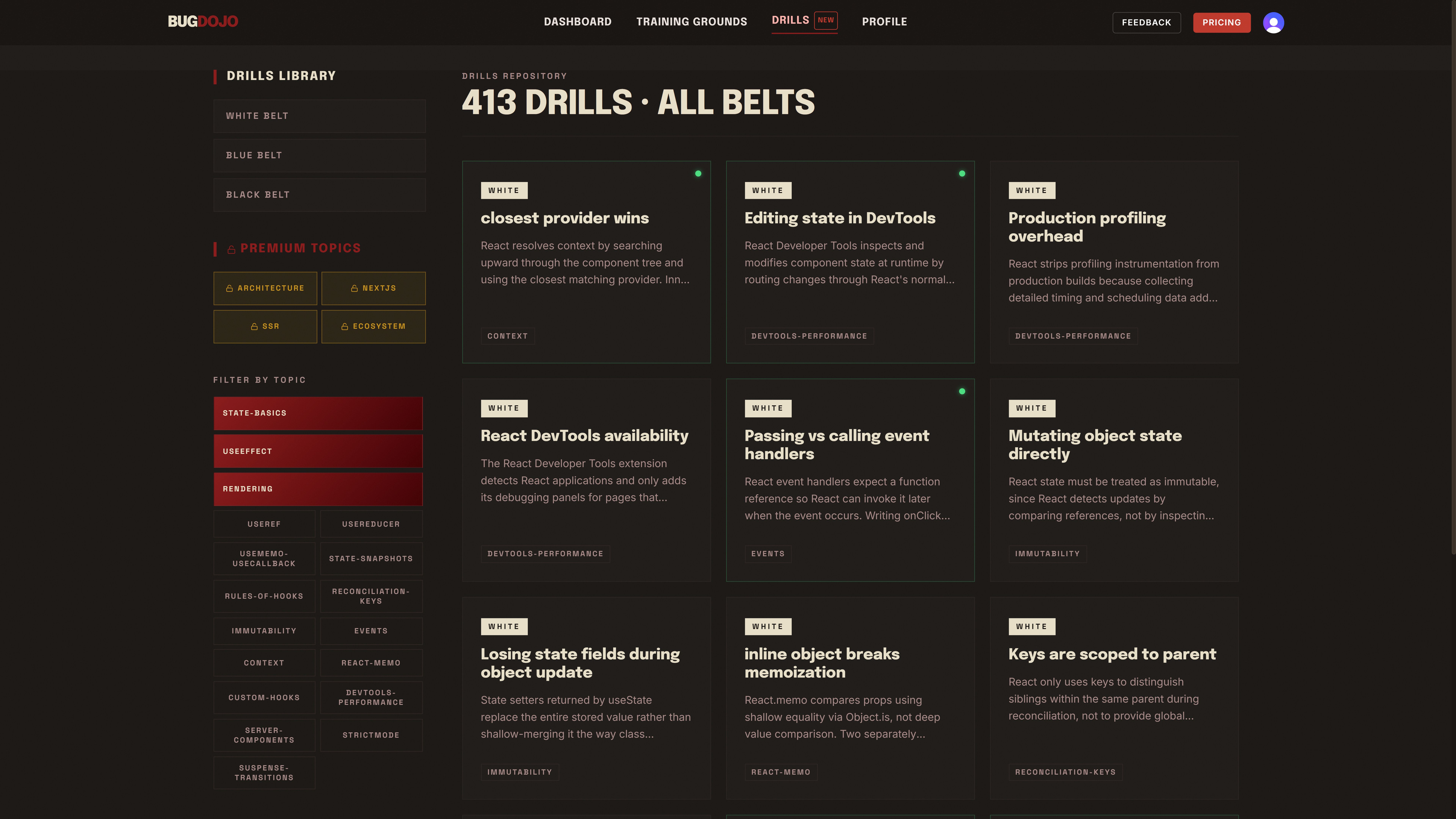
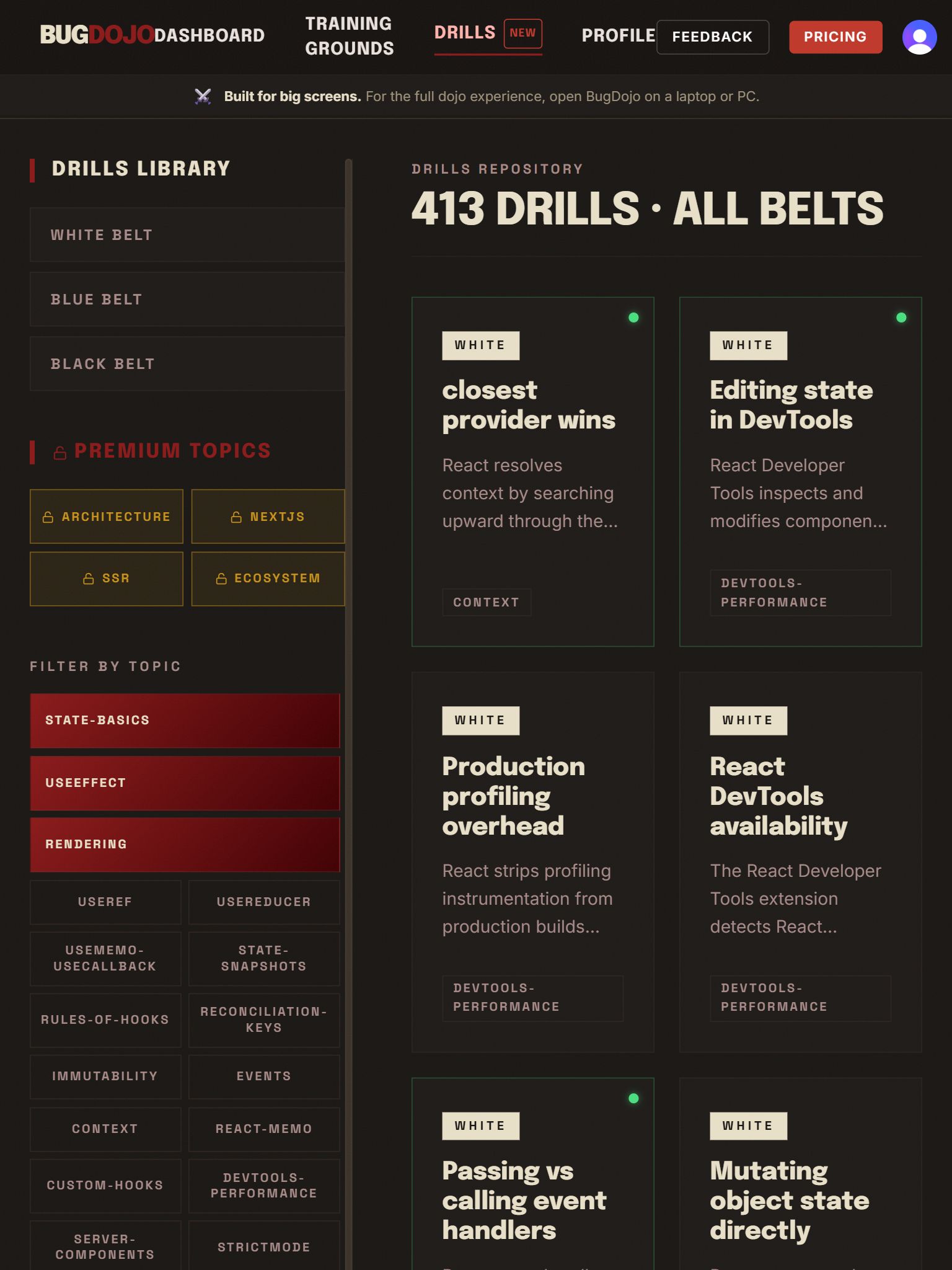
400+ drills.
Every concept.
Filter by belt - White, Blue or Black - or drill down by topic: useState, useEffect, useCallback, useMemo, useReducer, useRef, closures, rendering, immutability, and more. Premium topics like architecture, Next.js, SSR, and ecosystem patterns sit right alongside the free library, so you always know what's next once you're ready to go deeper.
Answer. Learn. Move on.
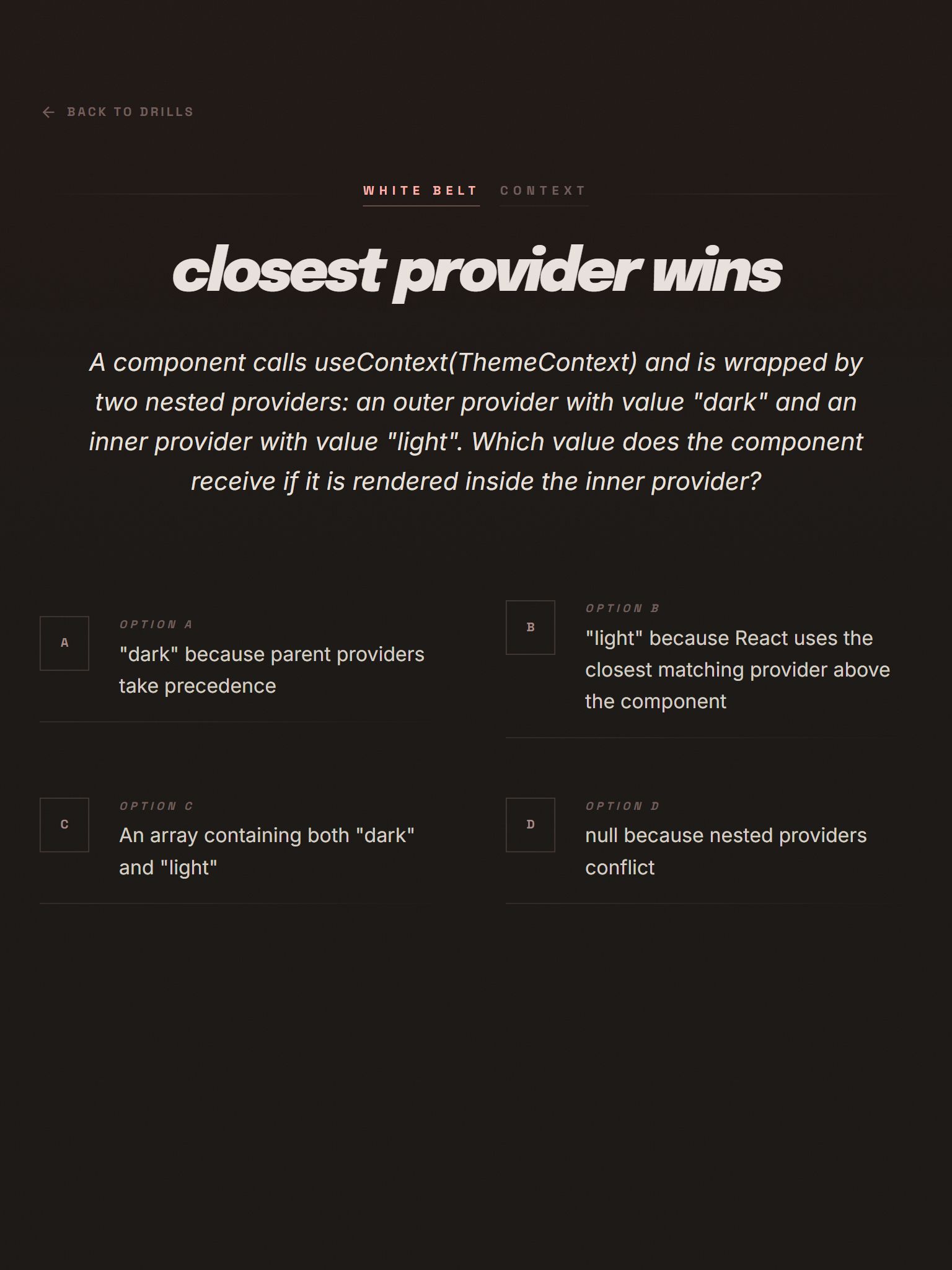
No sandbox. Just the concept.
Pick an answer and the result is instant - no submit button, no waiting. The correct option turns green, a wrong pick turns red, and a short explanation breaks down exactly why - right there on the same page. No sandbox, no test runner, just the concept, isolated and answered in seconds.



Earn your rank
Ki earned. Belt worn.
Every correct fix earns Ki and updates your belt rank. White Belt kata cover the fundamentals - controlled inputs, missing dependencies, basic state updates. Blue Belt kata require understanding how hooks interact - stale closures in useCallback, missing cleanup in useEffect, object mutation bypassing useState. Black Belt kata require architectural reasoning - wrong action types in useReducer, stale custom hook dependencies, and using useRef where useState is needed. Ranks are earned through practice, not time.


Pick your battle
Every kata. Your pace.
Browse all 61 kata filtered by belt or topic. If you have six months of React experience, start at White Belt - visible bugs, single concept fixes, immediate feedback. If you are preparing for a senior interview, work through Blue and Black Belt kata covering stale closures, effect cleanup, reducer design, and hook composition. Train on the concepts you need. Skip the ones you already know.
Strike lands true
Fix it. Submit. Collect Ki.
When you submit a fix, automated tests run against your code in a live React sandbox. The tests are adversarial - they are written to catch the specific bug described, not just to verify the happy path. You cannot pass by deleting code, hardcoding a return value, or making an unrelated change.

Three belts · Three difficulties
Visible Bugs
Wrong prop, typo, missing key. The fix is near the symptom. +10 Ki per solve.
Hooks & Closures
Stale closures, missing deps, async races. Requires hook knowledge. +25 Ki per solve.
Structural Void
Memory leaks, context misuse, edge cases. Symptom far from cause. +50 Ki per solve.
The Black
Architecture
Deep-dive into performance leaks and complex architectural flaws.
Begin →"A master hunts down the errors that hide in the shadows of logic."- Master Red-Edge